
🗜️ Professional PDF Compressor
Compress your PDF files quickly and securely with advanced optimization
📋 Usage Limits & Information
- Maximum 5 files per session
- Maximum 100 MB per file
- Total upload limit: 500 MB
- Compression timeout: 120 seconds per file
- Files are automatically deleted after 24 hours
- Only PDF files are supported (unencrypted)
Compress and Reduce PDF File Size to 200KB Online for Free
Managing and sharing PDF files has become an essential part of daily life, whether for students, professionals, or businesses. However, large PDF files can be challenging to upload, email, or store due to size restrictions. That’s where CompressMyImg.com helps you — a free, fast, and secure online tool to compress and reduce PDF file size to 200KB online without losing quality.
Whether you need to upload a document to a portal, share via email, or save storage space, our tool simplifies the entire process. No installation, no sign-up, and no hidden fees — just one-click PDF compression.
How to Use Our PDF Compressor Tool
Compressing your PDFs is simple and takes just a few seconds. Our tool supports multiple target sizes like 50KB, 100KB, 150KB, 200KB, 300KB, and more. Here’s how it works:
Step-by-Step Guide to Compress a PDF Online
Pro Tip: If you need ultra-light files for email attachments, you can compress PDFs below 100KB or even 50KB.
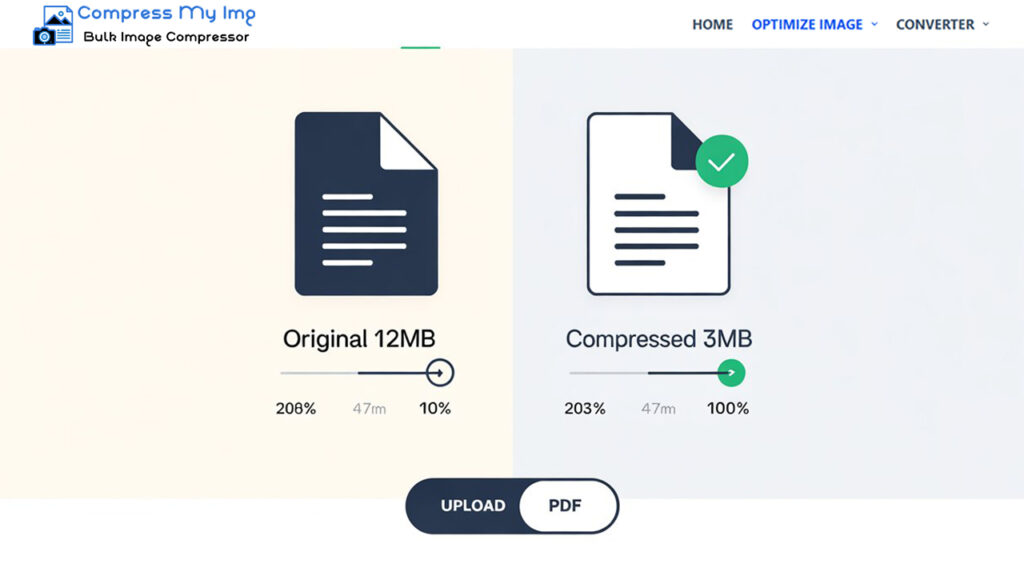
Compress PDFs on Any Device
Our PDF compressor works seamlessly on Windows, Mac, Android, and iPhone. You don’t need to install any software or apps — just open your browser, visit CompressMyImg.com, and start compressing instantly.
How to Compress PDF Without Losing Quality
Unlike traditional PDF compressors, our tool uses smart optimization algorithms. This ensures that your fonts, images, and layouts remain untouched while significantly reducing file size. You get smaller files without compromising quality.
Common Problems While Using PDF Compressor & Our Solutions
Many users face issues when compressing PDFs online. At CompressMyImg.com, we’ve optimized our tool to solve these common problems:
Overview of Our PDF Compressor Tool
CompressMyImg.com is designed to handle all types of PDF files, from single-page invoices to multi-page reports. Our advanced compression engine ensures:
- High-speed optimization within seconds
- Multi-size compression options
- Cross-device compatibility
- Enterprise-level data security
Perfect for students, teachers, businesses, and professionals who deal with large files daily.
Key Features of Our PDF Compressor
Fast & Effective Compression
Compress PDFs in just a few seconds, no waiting around.
Multiple File Size Options
Choose from 50KB, 100KB, 150KB, 200KB, 300KB, 400KB, and 500KB.
High-Quality Output
Your fonts, images, and layouts remain untouched.
Secure & Encrypted
End-to-end encryption, SSL protection, and GDPR compliance.
Works Anywhere
Accessible from all browsers and devices, no installation required.
Multi-File Compression Support
Upload and compress multiple PDFs simultaneously for faster workflow.
Why Choose CompressMyImg.com Over Other PDF Compressors
When compared to other online PDF compressors, CompressMyImg.com offers a faster, safer, and more flexible solution:
Frequently Asked Questions (FAQs)
Here are some of the most commonly asked questions about compressing PDF files online. These answers will help you understand how to reduce PDF size without losing quality and make the process faster, easier, and more effective.
Final Thoughts
If you’re tired of struggling with oversized PDFs, CompressMyImg.com is the ultimate solution. With fast, secure, and free online PDF compression, you can easily reduce file sizes to 200KB or less — without sacrificing quality.